

You can delete your LCX account directly from your profile settings.
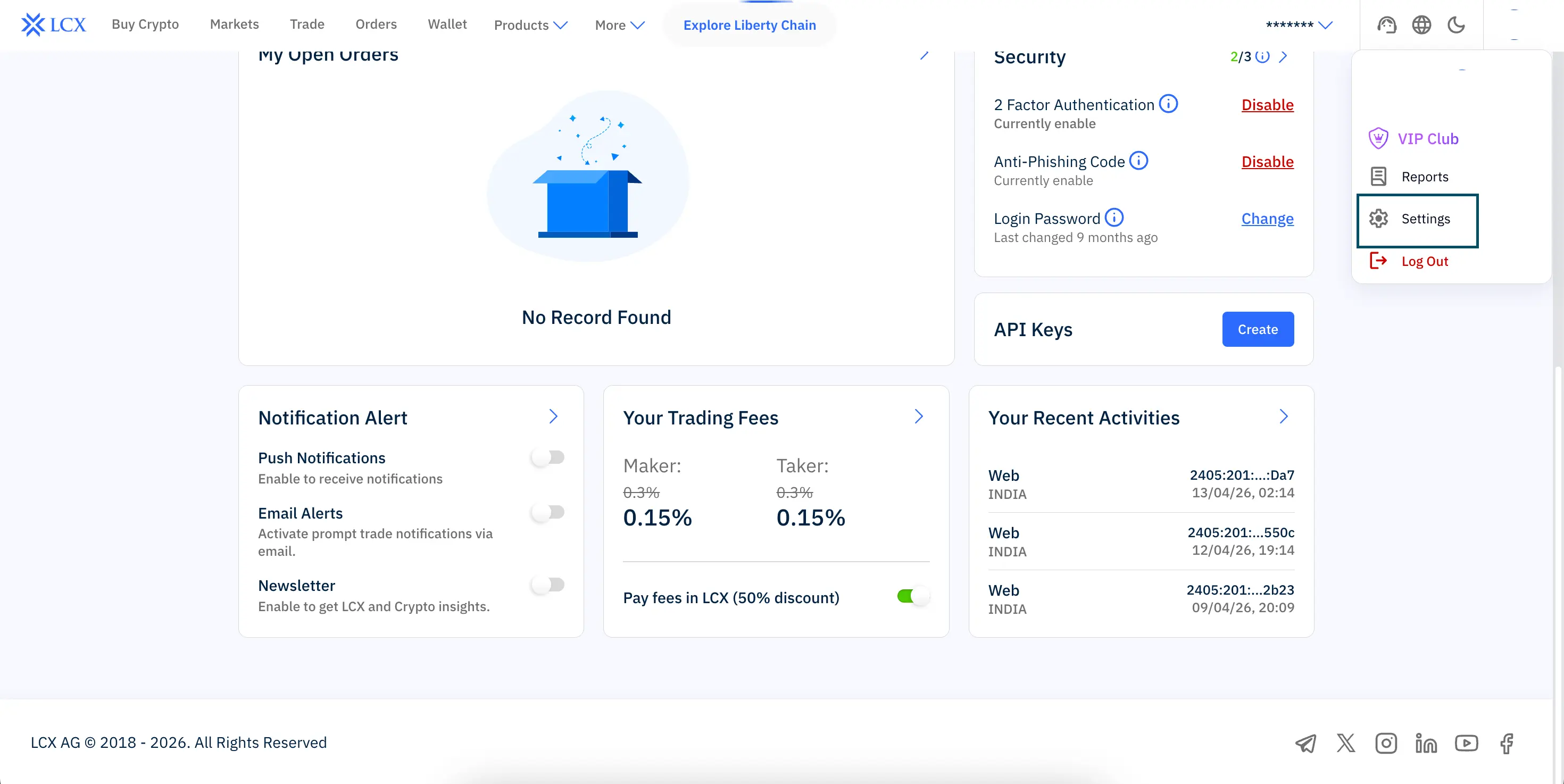
Steps to follow:
- Log in to your LCX account using your registered email ID
- Click on your profile icon in the top right corner
- Select Settings from the dropdown menu
- Scroll down and click Close Account
- Confirm your request when prompted
Once confirmed, your account will be permanently deleted.